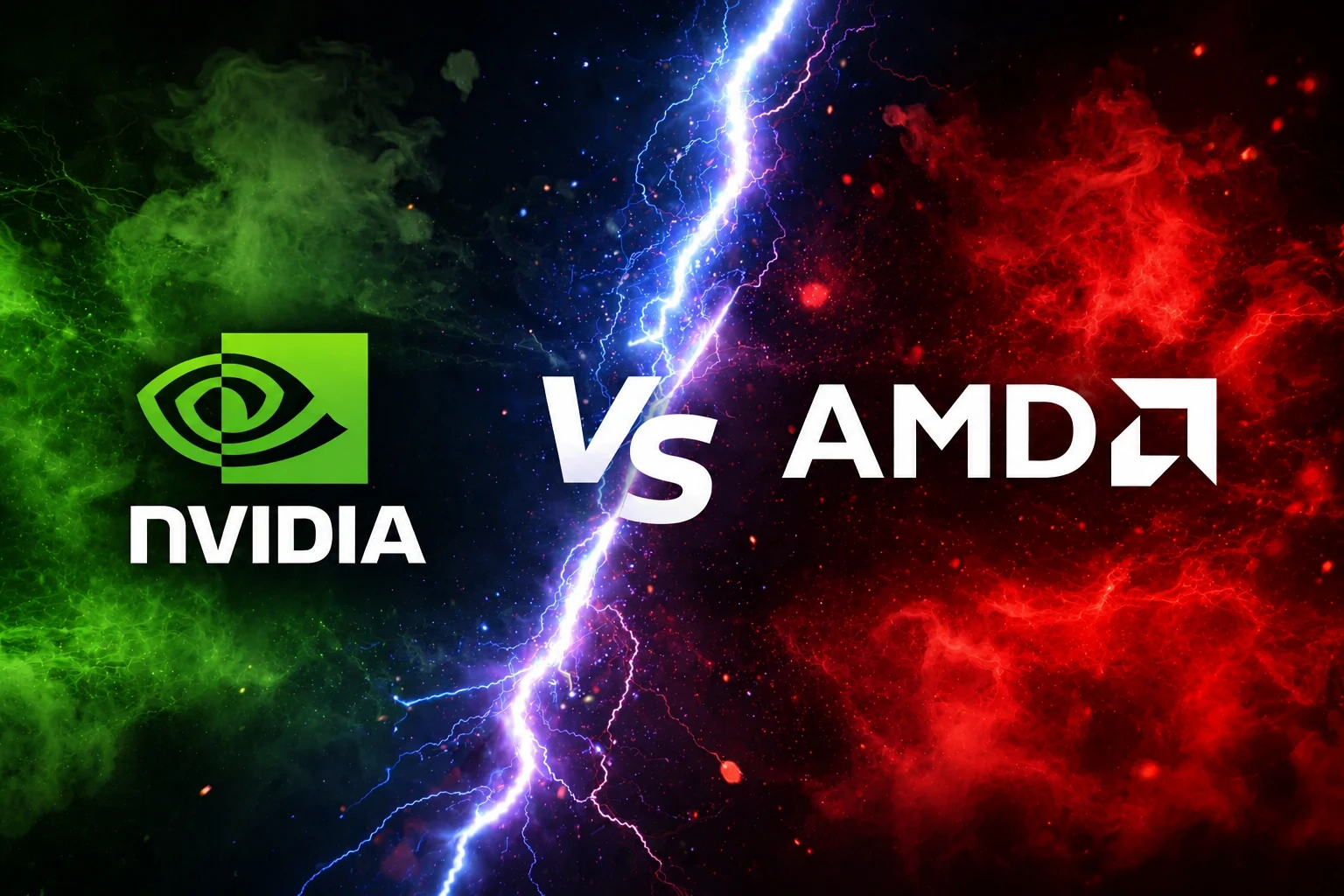
Choosing the right graphics card in 2026 isn’t just about buying the fastest GPU—it’s about finding the best performance for your budget. With AMD and NVIDIA offering multiple options across different price ranges, comparing real-world gaming performance, productivity, VRAM, and upscaling technologies is essential so in this blog we will be making AMD vs NVIDIA GPUs Performance Chart 2026.
In this guide, we compare the top 10 AMD and NVIDIA GPUs using gaming benchmarks, creator performance, and value for money to help you choose the best GPU for your next PC build.
The top 10 best GPUs from AMD and Nvidia will be compared, with Performance factors considered:
✅ Average FPS (1080p, 1440p & 4K)
✅ Ray Tracing Performance
✅ 1% Low FPS & Frame Consistency
✅ Productivity (Blender, Adobe Premiere & Rendering)
✅ Price-to-Performance Ratio
✅ Current Market Availability
✅ Highest VRAM Variant of Each GPU
✅Logical Performance-Tier Pairing
List of the top 10 GPUs from AMD and Nvidia
| Tier | NVIDIA GPU | VRAM | AMD GPU | VRAM |
|---|---|---|---|---|
| Ultra Enthusiast | GeForce RTX 5090 | 32 GB GDDR7 | No direct AMD equivalent | — |
| Enthusiast | GeForce RTX 5080 | 16 GB GDDR7 | Radeon RX 9070 XT | 16 GB GDDR6 |
| High-End | GeForce RTX 5070 Ti | 16 GB GDDR7 | Radeon RX 9070 | 16 GB GDDR6 |
| Upper Mid-Range | GeForce RTX 5070 | 12 GB GDDR7 | Radeon RX 7900 XT | 20 GB GDDR6 |
| Mid-Range | GeForce RTX 5060 Ti (16 GB) | 16 GB GDDR7 | Radeon RX 7800 XT | 16 GB GDDR6 |
| Performance | GeForce RTX 5060 | 8 GB GDDR7 | Radeon RX 7700 XT | 12 GB GDDR6 |
| Upper Budget | GeForce RTX 4070 SUPER | 12 GB GDDR6X | Radeon RX 7900 GRE | 16 GB GDDR6 |
| Budget Performance | GeForce RTX 4060 Ti (16 GB) | 16 GB GDDR6 | Radeon RX 7600 XT | 16 GB GDDR6 |
| Budget | GeForce RTX 4060 | 8 GB GDDR6 | Radeon RX 7600 | 8 GB GDDR6 |
| Entry-Level | GeForce RTX 3060 (12 GB) | 12 GB GDDR6 | Radeon RX 6600 | 8 GB GDDR6 |
AMD vs NVIDIA Performance Comparison
Gaming Performance (1080p, 1440p & 4K)
For pure gaming, both AMD and NVIDIA offer excellent GPUs, but their strengths differ depending on the resolution.
At 1080p, even budget GPUs like the RTX 4060 and RX 7600 can comfortably deliver over 100 FPS in most modern games with high settings.
For 1440p gaming, the RTX 5070, RTX 5070 Ti, RX 7900 XT, and RX 9070 provide the best balance of performance and value. These cards can handle demanding AAA titles while maintaining smooth frame rates.
When it comes to 4K gaming, NVIDIA continues to dominate thanks to the RTX 5080 and flagship RTX 5090. AMD’s RX 9070 XT and RX 7900 XTX remain excellent alternatives for gamers prioritizing rasterized performance and larger VRAM.
Winner: NVIDIA (Overall)
1% Low FPS & Frame Consistency
Average FPS tells only part of the story. Smooth gameplay depends on consistent frame delivery, often measured by 1% low FPS.
NVIDIA GPUs generally provide better frame pacing due to mature drivers and technologies like Reflex, resulting in fewer noticeable stutters during gameplay.
AMD has significantly improved frame consistency over the past few generations, but NVIDIA still holds a slight advantage in competitive gaming.
Winner: NVIDIA
Ray Tracing Performance
Ray tracing has become a standard feature in many AAA games, including Cyberpunk 2077, Alan Wake 2, and Black Myth: Wukong.
NVIDIA’s fourth-generation RT cores deliver higher frame rates and better ray tracing efficiency across nearly every price segment.
AMD supports hardware ray tracing on RDNA GPUs, but enabling high RT settings typically results in a larger performance drop compared to NVIDIA.
If ray tracing is one of your priorities, NVIDIA remains the stronger choice.
Winner: NVIDIA
DLSS vs FSR
AI upscaling technologies can significantly improve gaming performance.
DLSS uses dedicated Tensor Cores and AI models to produce higher image quality while increasing FPS. DLSS Frame Generation also provides substantial performance improvements in supported games.
FSR works on a wider range of graphics cards, including older NVIDIA GPUs, making it more accessible. However, image quality and frame generation generally lag behind DLSS at lower resolutions.
If supported by your favorite games, DLSS currently offers the better overall experience.
Winner: NVIDIA
Productivity Performance
Gaming isn’t the only reason people buy GPUs.
Applications such as Blender, Adobe Premiere Pro, DaVinci Resolve, Stable Diffusion, and various AI workloads benefit greatly from GPU acceleration.
NVIDIA’s CUDA ecosystem remains the industry standard, with broader software optimization and faster rendering performance in professional applications.
AMD has made notable progress, but NVIDIA still leads in content creation and AI-based workloads.
Winner: NVIDIA
VRAM Comparison
One area where AMD often stands out is VRAM capacity.
Cards like the RX 7900 XT (20 GB), RX 7900 XTX (24 GB), and RX 7800 XT (16 GB) provide more memory than many competing NVIDIA GPUs at similar price points.
Higher VRAM helps in texture-heavy games, large creative projects, and future-proofing.
However, more VRAM doesn’t automatically translate into better performance if the GPU itself isn’t powerful enough to utilize it effectively.
Winner: AMD
Price-to-Performance
For gamers focused on maximizing FPS per dollar, AMD continues to offer excellent value in the mid-range market.
The RX 7800 XT, RX 7700 XT, and RX 7600 XT frequently provide higher rasterized gaming performance at competitive prices.
NVIDIA cards often command a premium due to better ray tracing, AI features, and productivity capabilities.
If your primary goal is traditional gaming without heavy ray tracing, AMD generally provides stronger value.
Winner: AMD
AMD vs NVIDIA: Which Brand Should You Choose?
Choose NVIDIA if you:
- Want the best ray tracing performance.
- Use Blender, Adobe Premiere, or AI applications.
- Play games that support DLSS and Frame Generation.
- Want the fastest overall GPUs available.
Choose AMD if you:
- Want better FPS per dollar.
- Prefer larger VRAM capacities.
- Primarily play rasterized games.
- Want excellent 1440p gaming performance at a lower price.
Pros & Cons of Nvidia
NVIDIA
Pros
- Excellent ray tracing performance
- Superior DLSS technology
- Best creator software support
- Industry-leading AI performance
- Strong driver stability
Cons
- Higher prices
- Lower VRAM in some models
- Premium features increase overall cost
Pros & Cons of AMD
Pros
- Better price-to-performance
- More VRAM for the money
- Strong raster gaming performance
- Excellent value in the mid-range
Cons
- Weaker ray tracing
- FSR trails DLSS in image quality
- Less optimized for some professional applications
Which GPU Should You Buy?
Buy the RTX 5090 if:
- You want the absolute best gaming performance.
- You play at native 4K or 8K.
- You regularly use AI and professional rendering software.
Buy the RTX 5080 if:
- You want excellent 4K gaming without paying flagship prices.
Buy the RTX 5070 Ti if:
- You mainly play at 1440p with ray tracing enabled.
Buy the RX 9070 XT if:
- You want strong raster gaming performance and excellent value.
Buy the RTX 4090 if:
- You want flagship-tier performance at a discount versus the 5090, especially if you find one on sale as retailers clear out stock.
- You do heavy AI/ML workloads or content creation and want a large 24GB VRAM buffer without paying current-gen prices.
- You’re fine skipping the newest architecture features (like improved DLSS/frame generation on 50-series) in exchange for proven, battle-tested performance.
Buy the RX 7800 XT if:
- You want one of the best price-to-performance GPUs available.
Gaming Benchmarks – Average FPS at 4K (Ultra Settings)
| GPU | Cyberpunk 2077 | Starfield | Forza Horizon 5 |
| RTX 5090 | ~100-110 FPS | ~120+ FPS | ~180-190 FPS |
| RTX 5080 | ~75-85 FPS | ~52 FPS | ~141 FPS |
| RX 9070 XT | ~60-70 FPS | ~48 FPS | ~109 FPS |
| RTX 4090 | ~70-80 FPS | ~60 FPS | ~160 FPS |
| Category | Winner |
|---|---|
| Gaming Performance | NVIDIA |
| Ray Tracing | NVIDIA |
| DLSS / AI | NVIDIA |
| Productivity | NVIDIA |
| VRAM | AMD |
| Price-to-Performance | AMD |
| Driver Stability | NVIDIA |
| 4K Gaming | NVIDIA |
| 1440p Value | AMD |
| Overall Winner | Depends on Budget |
Why You Can Trust AMD vs NVIDIA GPUs Performance Chart 2026 Guide
Our goal is to provide unbiased GPU comparisons using publicly available benchmark data from trusted hardware reviewers and manufacturer specifications. We do not rank graphics cards based solely on synthetic benchmarks or marketing claims. Instead, we compare gaming performance, productivity workloads, feature sets, VRAM capacity, and overall value to help readers make informed purchasing decisions.
Our Benchmark Methodology when making AMD vs NVIDIA GPUs Performance Chart 2026
To ensure a fair comparison, this guide combines publicly available benchmark data from independent hardware reviewers and manufacturer specifications. Gaming performance considers multiple modern AAA titles at 1080p, 1440p, and 4K using the latest graphics drivers available at the time of writing.
Productivity performance is based on commonly used applications such as Blender, Adobe Premiere Pro, DaVinci Resolve, and AI-assisted workloads. Since performance can vary depending on the CPU, RAM, drivers, and game updates, the results presented here represent overall averages rather than a single test system.
Disclaimer: GPU performance varies depending on the processor, memory configuration, graphics drivers, game version, cooling solution, and operating system. Actual results may differ between systems.
Performance comparisons and specifications referenced in this guide are based on publicly available information from:
- NVIDIA Official Specifications
- AMD Official Specifications
- TechPowerUp GPU Database
- Tom’s Hardware GPU Benchmarks
- Hardware Unboxed
- Gamers Nexus
Final Verdict
Choosing between AMD and NVIDIA ultimately depends on how you use your PC.
If you want the best overall gaming performance, superior ray tracing, AI-powered features, and professional productivity, NVIDIA remains the market leader.
If your priority is maximum gaming performance for your money, especially at 1080p and 1440p, AMD continues to offer exceptional value with generous VRAM and competitive raster performance.
Before making a purchase, compare not only benchmark scores but also pricing, VRAM, power consumption, and the games or applications you use most. The best GPU isn’t always the fastest—it’s the one that delivers the right balance of performance, features, and value for your specific needs.
To read more about GPU & Gaming Laptop’s Visit:
- Check our full GPU guide: https://techxleap.com/top-10-most-powerful-cpu-in-2026-ultimate-performance-guide/
- Best gaming laptops: https://techxleap.com/best-gaming-laptops-2026/
Sources & References for AMD vs NVIDIA GPUs Performance Chart 2026
To ensure the highest level of accuracy and reliability, the information presented in this article has been verified using multiple trusted sources, including:
- NVIDIA Official Graphics Card Specifications – https://www.nvidia.com/en-us/geforce/graphics-cards/
- AMD Radeon Graphics Cards – https://www.amd.com/en/products/graphics/desktops/radeon.html
- TechPowerUp GPU Database – https://www.techpowerup.com/gpu-specs/
- Tom’s Hardware GPU Benchmarks and Performance Rankings – https://www.tomshardware.com/reviews/gpu-hierarchy,4388.html
- Gamers Nexus GPU Reviews & Benchmarks – https://gamersnexus.net/
- Hardware Unboxed GPU Benchmark Reviews – https://www.youtube.com/@Hardwareunboxed
- Blender Open Data Benchmark Database – https://opendata.blender.org/
- UL 3DMark Graphics Benchmark Database – https://benchmarks.ul.com/
- Orange Hardwares Graphics Card Database – https://www.orangehardwares.com/blogs/guides/gpu-hierarchy-ultimate-graphics-card-benchmarks-comparison
Disclaimer: GPU performance may vary depending on the processor, memory configuration, graphics drivers, game version, operating system, and cooling solution. Benchmark results discussed in this guide represent overall trends and publicly available performance data rather than results from a single test system.
FAQ: Frequently Asked Questions
Both brands are excellent. NVIDIA leads in ray tracing and AI features, while AMD generally offers better value for traditional gaming.
Yes. AMD typically provides more FPS per dollar, especially in the mid-range and upper-budget segments.
Yes. NVIDIA GPUs benefit from CUDA acceleration and broader software optimization, making them the preferred choice for most creators.
For 1440p gaming and most creative workloads, 16 GB remains a strong choice. High-end 4K gaming and AI applications can benefit from 20–32 GB of VRAM.
If you plan to keep your graphics card for several years, prioritize VRAM, driver support, and modern technologies such as DLSS or FSR alongside raw performance.