
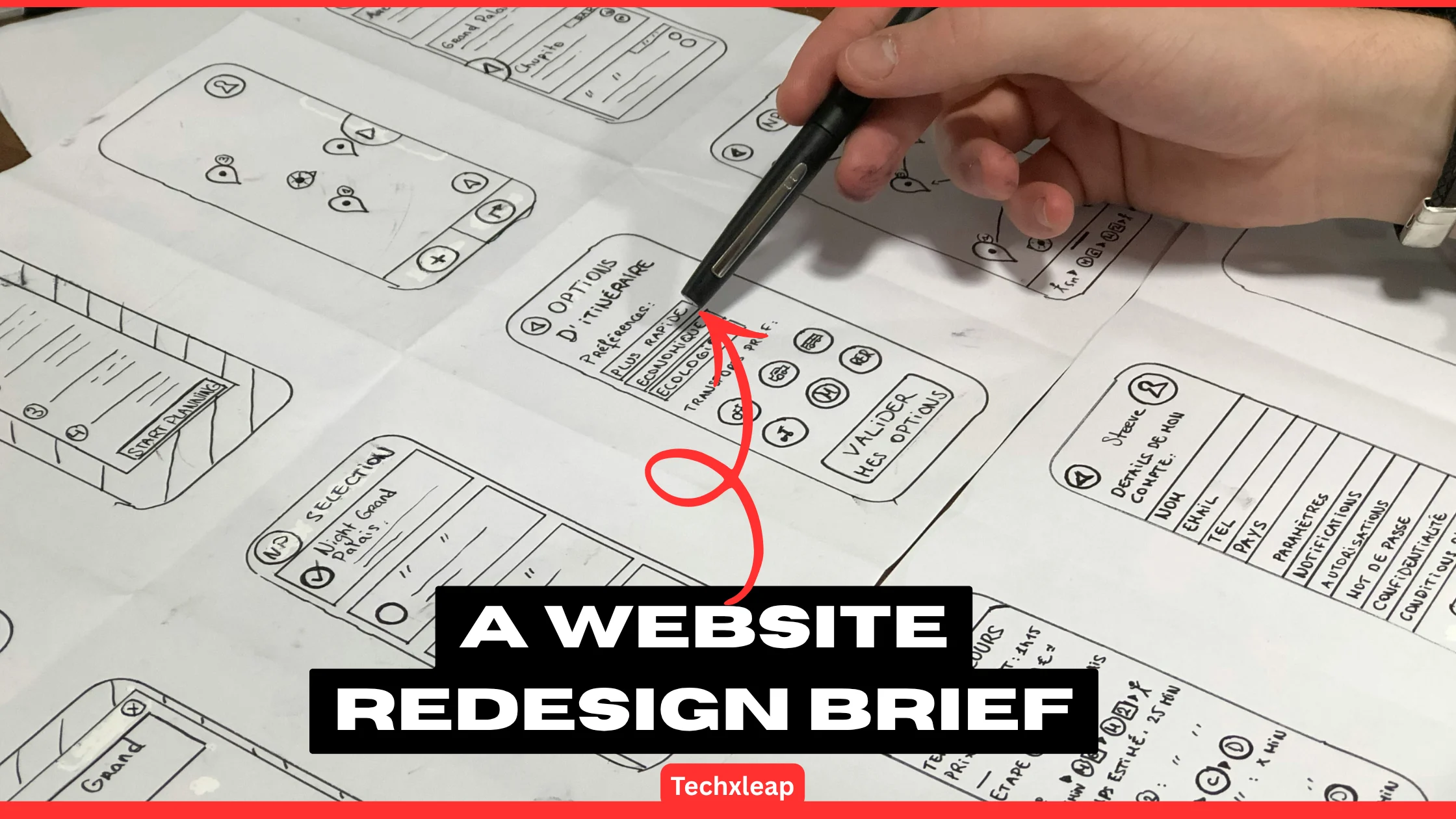
A website redesign can begin with everyone agreeing that the current site needs work, while each person expects a different result. The owner wants better enquiries. Marketing needs easier publishing. The developer is considering a new platform. Unless someone connects those expectations, the team can approve the same proposal while imagining different projects.
A website redesign brief records the problem, the people the site serves, the work included, and how the team will judge the result. It gives designers and developers enough context to recommend an approach and estimate the work. It also gives the business a way to review decisions before they become expensive changes.
The useful part is the agreement behind the document. A short brief with clear decisions can guide a project better than a long list of features nobody has prioritised.
Start with a problem you can demonstrate
“Our website looks outdated” may explain why a redesign conversation started. It gives the team little direction about what to fix.
Describe the difficulty behind that judgement. Can visitors find the right service? Does the enquiry form work on a phone? Can staff update opening hours without asking a developer? Are product details missing information customers repeatedly request?
Support the brief with what you can actually show: support enquiries, a recorded usability issue, analytics reports, or examples of content staff struggle to maintain. Label assumptions that still need checking.
Separate the intended result from the proposed solution. “Help customers choose the right service” leaves room to investigate navigation, page content, and comparison tools. “Add a chatbot” commits to a feature before the team has established whether it solves the problem.
Record current performance where reliable measurements exist, and decide what to review after launch. Avoid promising a conversion increase before anyone has investigated the causes of the existing problem.
Describe the people and tasks that matter
Give the team more than a broad audience label such as “small businesses” or “online shoppers.” Explain what visitors need to accomplish and what they need to know first.
For a repair business, a prospective customer may need to check whether the company serves their area, identify the relevant repair, and understand what happens after requesting a quote. An existing customer may simply need to find a contact number.
Those tasks help the team decide what belongs in navigation, what a service page should explain, and which actions deserve prominence. They also provide useful scenarios for testing a prototype.
Include the people who maintain the site. A publishing workflow that depends on someone with technical skills may be unsuitable if an office administrator will handle routine updates.
Define the scope before selecting a platform
List the pages, templates, functions, and integrations the first release needs. Distinguish essential work from ideas that can wait.
“Redesign the website” might mean updating a handful of templates while retaining the existing content management system. It could also mean rewriting every page, replacing the booking system, moving hosting, and migrating customer records. Those projects require different estimates and preparation.
Identify what should remain, including useful content, working integrations, familiar customer journeys, and account arrangements the business depends on. State exclusions just as clearly. If online payments are outside the agreed scope, record that before someone designs a checkout screen.
Describe the editorial and operational requirements before settling on technology. The platform decision should account for who will publish, the systems that must connect, maintenance responsibilities, and the available budget.
Turn preferences into acceptance checks
Words such as “modern,” “fast,” and “easy to use” need an agreed meaning. Write checks that allow the team to review the finished work consistently.
For example, replace “make the enquiry process easier” with a test: a visitor can find the relevant service, complete the form on the agreed mobile devices, and receive a clear confirmation. Check that the submission also reaches the correct business inbox.
Include accessibility during planning. W3C recommends assigning accessibility responsibilities and evaluating early and regularly. Agree on the target standard, who will assess it, and how issues will be handled. A few keyboard checks are useful, but they do not establish full conformance.
Define performance expectations with the technical team. Google’s web.dev guidance explains how performance budgets set limits on metrics that affect site performance. Record the pages, tools, devices, and network conditions used for testing so the team can interpret the results. A desktop test on an almost empty page tells little about a mobile service page loaded with real content.
Give content and URL changes an owner
A design schedule can slip when everyone assumes somebody else will supply the copy, select the images, or check product details.
Build a content inventory and assign each page a decision: retain, revise, merge, or remove. Give each action an owner and a delivery date. Record who checks accuracy and whether images or other assets have the necessary usage permissions.
Review existing search traffic and useful links before changing page addresses. Where URLs change, Google recommends mapping old URLs to their new destinations and using appropriate permanent redirects. Its guidance also warns against sending unrelated old pages to the homepage.
Include responsibility for redirect testing, internal links, indexing settings, and the sitemap. A brief should identify these deliverables early enough for someone to estimate and complete them.
Plan the budget around the work and its dependencies
State the available budget or a realistic range, then ask the team to explain what it covers. Separate initial project costs from recurring hosting, software, support, and maintenance costs.
Record access requirements for the domain, hosting, analytics, content management system, and connected services. Someone should confirm that the business has authorised access before the project depends on it. An agency-held software licence may need replacing if its terms do not allow transfer.
Build the schedule around dependencies. Copy approval may need to happen before final layouts. A booking integration may need testing before launch. Identify fixed business dates and explain why they matter, rather than treating every suggested deadline as immovable.
Name the decision maker and the change process
Whether an internal team handles the work or you appoint a web design agency, identify one person who can approve scope and resolve conflicting feedback.
Other people should still contribute. Sales may know which questions customers ask; support may recognise recurring problems. Agree on how their feedback reaches the project team and who makes the final decision.
Record approval points for scope, content structure, design, and launch readiness. For a new request, ask what problem it solves, what work it adds, and how it affects cost or timing. Update the brief when a change is approved so the team has one current reference.
A short website redesign brief in practice
Consider a fictional repair business whose customers struggle to identify the right service and whose staff cannot easily update pages. Its brief might contain the following decisions. These are illustrative requirements, not results from a real project.
| Brief item | Example decision |
| Main problem | Visitors cannot confidently choose the right repair service. |
| Priority journey | Find a service, check coverage, and request a quote on mobile. |
| First release | Revise service templates, navigation, and the enquiry form. |
| Exclusions | Customer accounts and online payments belong to a later phase. |
| Content owner | The office manager supplies and verifies service details. |
| Existing pages | Review useful URLs before deciding which addresses change. |
| Approval owner | The business owner consolidates feedback and approves changes. |
| Launch checks | Test agreed journeys, submissions, redirects, and staff editing access. |
Before work begins, ask each person responsible for delivery to review the website redesign brief. Have them identify missing information, uncertain estimates, and requirements that conflict.
Finish by agreeing what happens after launch: who handles defects, who maintains the site, what training staff receive, and when the business reviews the agreed measures. Keep the brief available during those conversations. Its value comes from helping people make and check decisions throughout the project.
To read more about gaming
If you would like to read about tech, gaming & startup brands in india click here
If you would like to write for us visit: https://techxleap.com/write-for-us/
About the author
James Hammer is a content writer working with Massive Designs on website and SEO content. His work covers content planning, website copy, and practical guidance for businesses managing their online presence.