A small team in 2027 does the work of a full marketing department. Somebody writes the blog posts, somebody designs the social graphics, somebody answers the inbox, somebody plans the week, and somebody moves the same information between five different apps. Most days, all of that somebody is the same two or three people.
AI tools help, but only if you pick the right ones. I tested the five below on real small team work, not on demo tasks. Each one earns its place. Each one also has a real drawback, and I will say it plainly, because a tool you pick for the wrong reason costs you more time than doing the work by hand.
| Tool | Best for | Starting price | One honest drawback |
|---|---|---|---|
| ChatGPT | Drafting and brainstorming | Free plan available | Answers sound confident even when they are wrong |
| Claude | Long documents and careful editing | Free plan available | Slower on quick, short tasks |
| Canva Magic Studio | Social graphics in minutes | Free plan available | Designs start to look alike |
| Notion AI | Planning and team notes | Paid add-on | Needs setup before it saves time |
| Zapier | Automating repetitive tasks | Free plan available | Complex workflows get hard to fix |
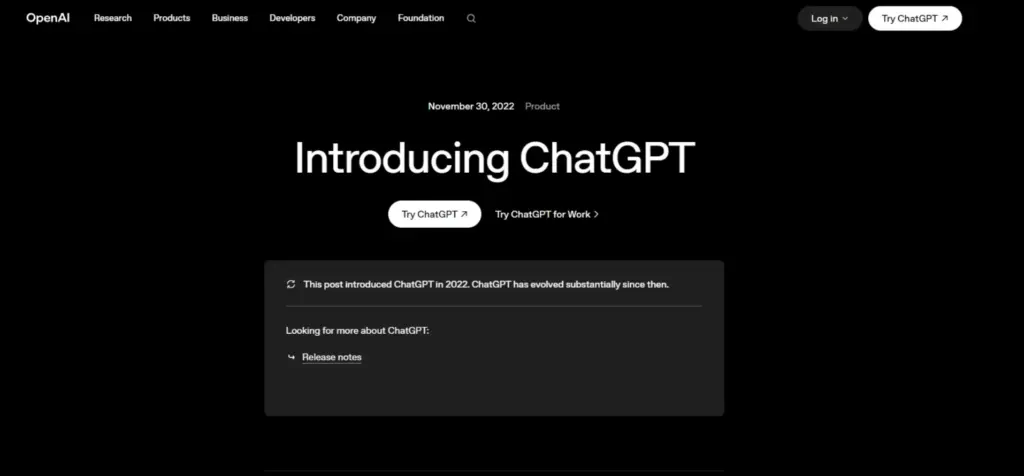
1. ChatGPT, for drafting and brainstorming
ChatGPT is the tool most small teams open first, and for good reason. Give it a rough idea and it hands back a draft, ten headline options, or a list of angles you had not considered. It is useful for the blank page problem, which is where most marketing work stalls.
A small team can use it to draft a first version of a blog post, turn one long article into five social posts, or prepare talking points before a client call. The drafts are rarely ready to publish, but they are much easier to fix than an empty page.
The honest drawback is that ChatGPT sounds confident even when it is wrong. It will invent a statistic, a quote, or a feature that does not exist, and present it in the same calm tone as a true fact. Every number and claim in its output needs checking. If your team publishes without checking, the tool that saved an hour will cost you your credibility. We write about this problem often at nexvolu.com, because AI content that looks polished but says something false is the fastest way to lose a reader’s trust.
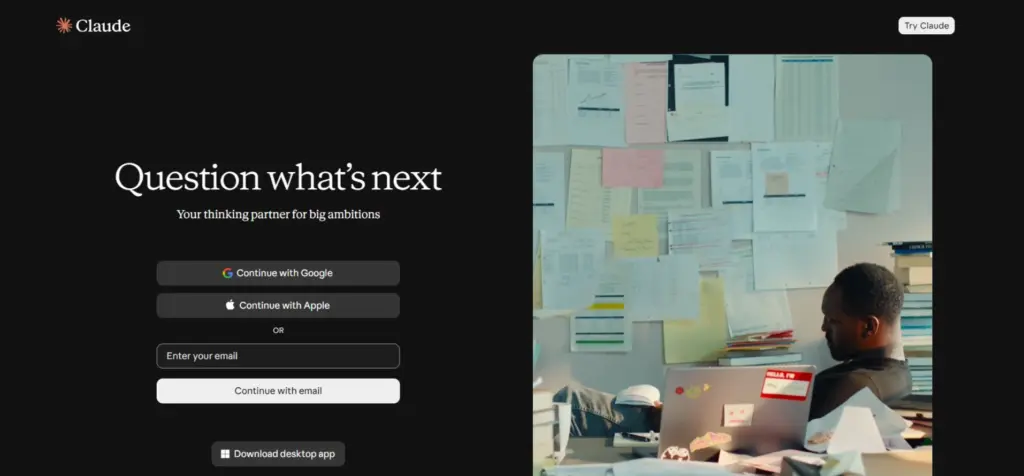
2. Claude, for long documents and careful editing
Claude is the quieter of the two big chatbots, and for long work it is often the better one. Where ChatGPT rushes to an answer, Claude reads a long document properly and keeps track of what was said ten pages earlier. That matters when you are editing a guide, a proposal, or a report.
Give Claude a rough 2,000 word draft and ask it to tighten the structure, and it usually returns something genuinely better, not just shorter. It is also good at matching a tone you describe, which helps when one person writes the posts and another edits them.
The honest drawback is speed on small tasks. For a quick caption or a two line reply, Claude feels slow next to ChatGPT. It thinks longer, and sometimes that thinking adds nothing. So use it where depth pays off, and use something faster for the small jobs.

3. Canva Magic Studio, for social graphics in minutes
Most small teams cannot afford a designer for every post, which is why Canva Magic Studio deserves a place among the 5 Best AI Tools for Small Teams in 2027. Write a short prompt, pick a format, and you can create a usable graphic in minutes. Features like Background Remover, Magic Resize, and AI text tools can handle the fiddly design work that used to take an entire afternoon, although some features require a paid plan.
It is at its best for the everyday graphics a small team needs: announcement posts, quote cards, event banners, and simple infographics. A team member with no design training can produce something clean enough to publish.
The honest drawback is that the designs start to look alike. Canva has millions of users, and the popular templates show up everywhere. If every post uses the same layout and the same style, your feed stops looking like your brand and starts looking like everyone else’s. The fix is small: change the colours, move the elements, and add one detail that is yours.
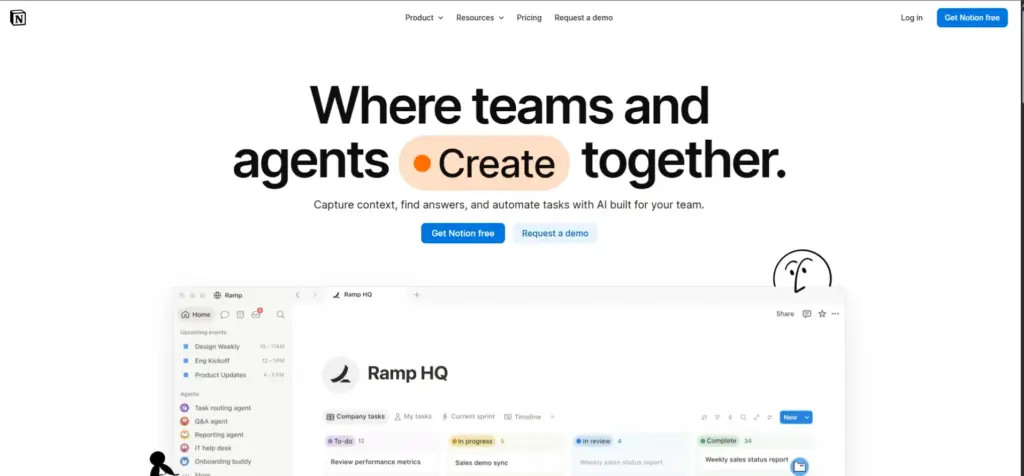
4. Notion AI, for planning and team notes
Notion AI lives inside the place where many small teams already plan their week. It can turn a messy meeting note into a task list, summarise a long page into three bullet points, or draft a project brief from a few lines of instruction.
Its real value is not writing. It is finding things. Ask it what the team decided about a campaign last month, and it searches your own notes instead of the internet. For a team of three people juggling ten projects, that is worth more than another writing tool.
The honest drawback is that it needs setup before it saves time. An empty Notion workspace with a few random pages gives you almost nothing. You have to build the habit first: meeting notes in one place, tasks in one place, decisions written down. Teams that skip that step conclude the tool does not work, when the real problem is that there was nothing organised for it to work with.
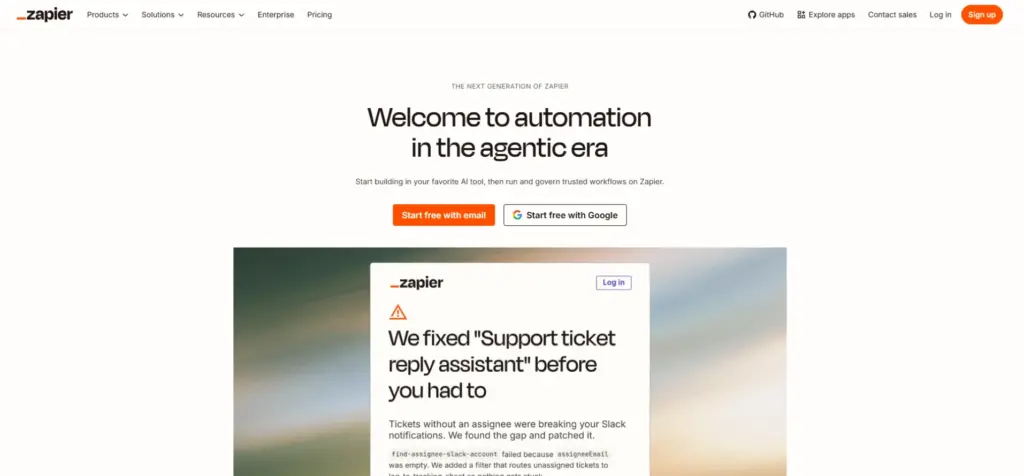
5. Zapier, for automating repetitive tasks
Zapier connects the apps a small team already uses, so information moves by itself. A form submission becomes a row in a sheet and a message in the team chat. A new subscriber gets a welcome email without anyone remembering to send it. None of this is glamorous, and all of it saves real hours every week.
Start with one boring task that repeats daily. If it works, add a second. Small teams get the most from Zapier by automating the dull work first, not by trying to automate everything at once.
The honest drawback is that complex workflows get hard to fix. A simple two step automation is easy. A ten step workflow with filters and branches is a small program, and when it breaks, finding the broken step takes longer than doing the task by hand would have. Keep your automations short, name each step clearly, and test them before you trust them with anything important.
How to choose
Do not adopt all five at once. Pick the pain that costs your team the most time this month. If writing is the bottleneck, start with ChatGPT or Claude. If design is the bottleneck, start with Canva. If lost information is the bottleneck, start with Notion AI. If repeated admin is the bottleneck, start with Zapier.
Try one tool for two weeks on real work, then judge it on what it actually saved, not on what the demo promised. A tool earns its place by removing work, not by adding a new dashboard to check. The five above all pass that test, as long as you remember the drawback that comes with each one.
One last note: when choosing from the 5 Best AI Tools for Small Teams in 2027, remember that the cheapest tool is the one your team will actually open every day. A powerful tool that sits unused is worse than a simple tool that gets used. Ask the people doing the work which of these five feels easiest, and start there. If they like it, they will find new uses for it on their own, and that is when the time saving really begins.
For more software comparisons, digital marketing guides, and technology insights, explore TechXLeap.
If you would like to write for us visit: https://techxleap.com/write-for-us/
FAQ: Frequently Asked Questions
ChatGPT, Claude, Canva Magic Studio, Notion AI, and Zapier are excellent tools for writing, designing, planning, and automation.
ChatGPT is ideal for content creation, while Canva is great for design and Zapier for automation.
Yes, many AI tools offer free plans with basic features. Advanced features may require paid subscriptions.
Yes, AI tools save time by automating repetitive tasks, creating content, and simplifying workflows.
ChatGPT is great for quick content creation, while Claude is useful for editing and analysing long documents.
Start with one tool that solves your biggest problem. Test it on real tasks before investing in additional tools.
Author bio
Sobia Aslam is the founder and editor of nexvolu.com, a blog on AI, technology and digital marketing for small businesses.
Sources
OpenAI, ChatGPT: https://openai.com/chatgpt/
Anthropic, Claude: https://claude.com/
Canva, Magic Studio: https://www.canva.com/magic-studio/
Notion, Notion AI: https://www.notion.com/product/ai
Zapier: https://zapier.com/